Work Flows
Better.
Turn site issues into action
with one simple workflow.
Report issues, assign responsibility and follow progress. Create professional reports from the work your team records in the field.
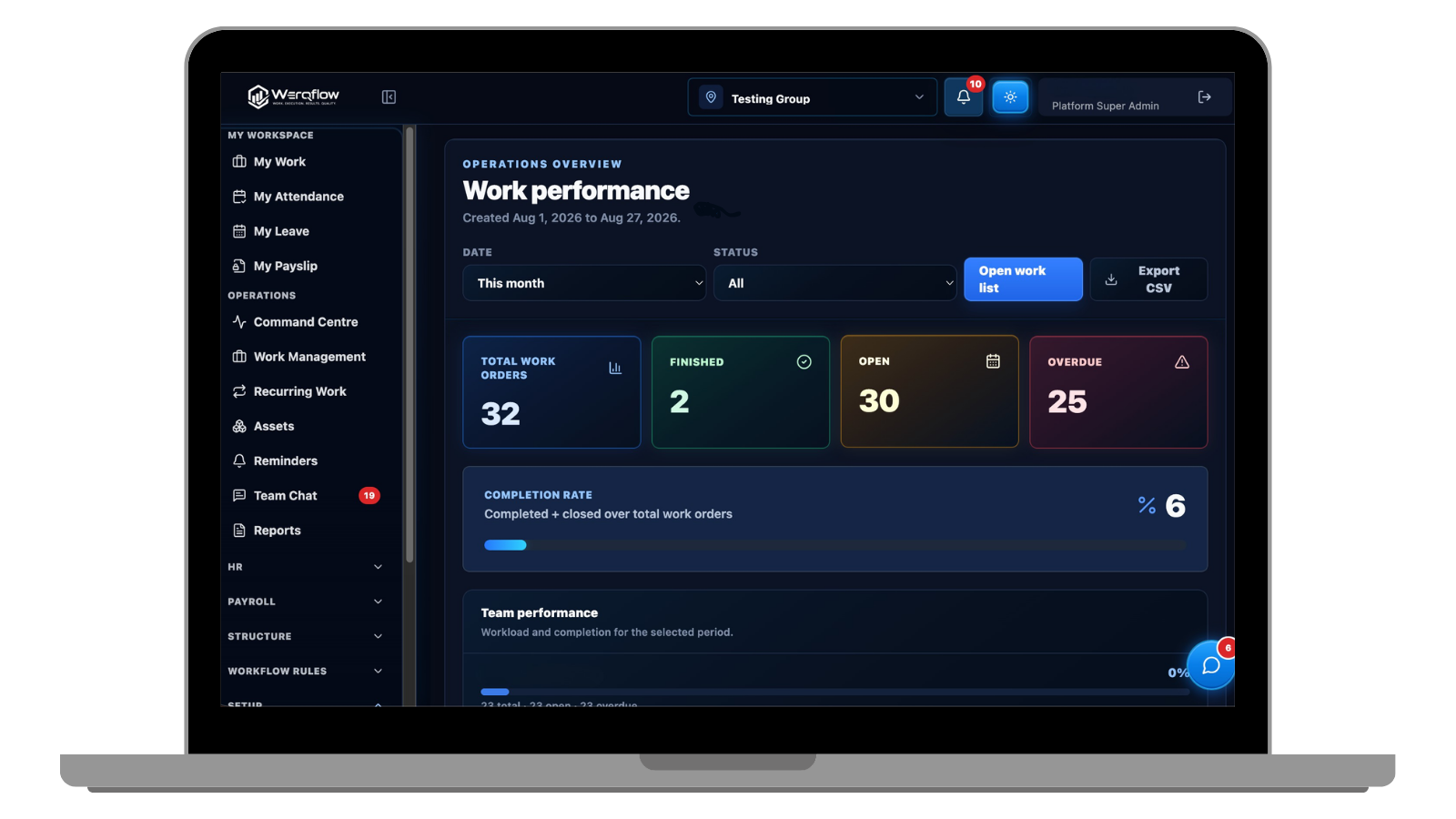
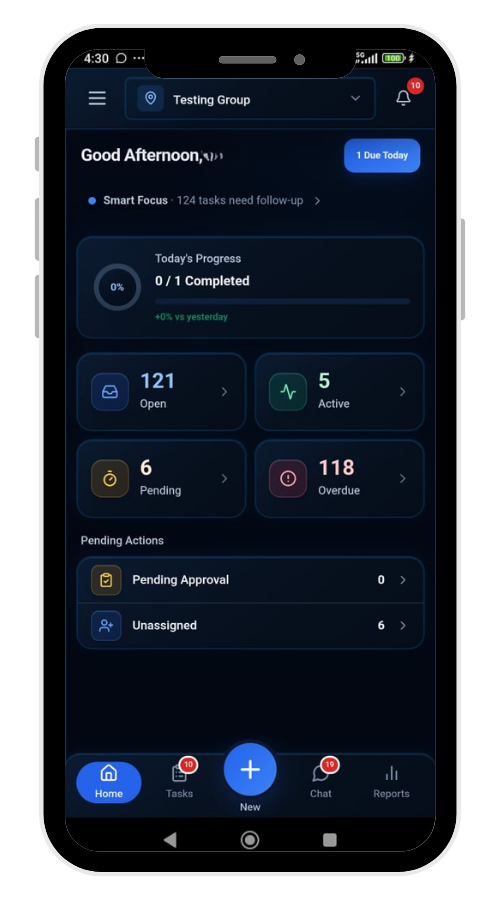 One connected workspace
Your work, wherever the day takes you.
Good work deserves
a clearer picture.
The photo is in a chat. The assignment is in someone’s head. The report still needs writing.
Werqflow connects these pieces, so the people doing the work and the people overseeing it see the same story.
Meet your new workspaceOne issue.
Every step, connected.
Give each update a location, an owner and a clear next step. The whole story stays together.
Lobby light needs replacing
A team member records the issue with a location and a photo, so the supervisor has the details to act.
Keep the original condition connected to the update.

On the floor.
On the move.
On the same page.
From a common-area defect to a housekeeping update, keep the right details close to the work.
Know where to act
Site and location details stay with every update.
Know who is handling it
Clear assignments keep the next step visible.
Know what happened
Photos and progress become a reliable record.
Your next report.
Already taking shape.
Use the information captured throughout the day to generate individual issue reports and daily site PDFs.
View an example reportA clearer view
of the day.
Sample Residence · Block A
Who is Werqflow for?+
Werqflow is designed for site teams and the people managing them: property managers, facilities teams, cleaners, security personnel and hospitality operations.
Can teams work from a phone?+
The workflow is designed for mobile use, with desktop access for reviewing updates and managing site activity. Ask for a demo on the devices your team uses.
What goes into a site update?+
A category, a site location, a short description and supporting photos. Assignment, progress messages and status changes keep the record useful as the work moves forward.
Can we generate reports?+
Yes. The product supports individual site update PDFs and daily site reports using information already recorded in the workflow.
How do we get started?+
Book a demo and tell us about your sites, team and current process. We will discuss a suitable plan and a practical starting point.
Less chasing.
More progress.
See how Werqflow fits the way your team works.